Best AI Headshot Generators for Perfect LinkedIn Photos
Most LinkedIn profiles don’t fail because of skills. They fail at first glance.
A low-quality photo, awkward crop, or outdated selfie sends the wrong signal instantly. People don’t analyze it — they just feel it. And once that impression is set, it’s hard to recover.
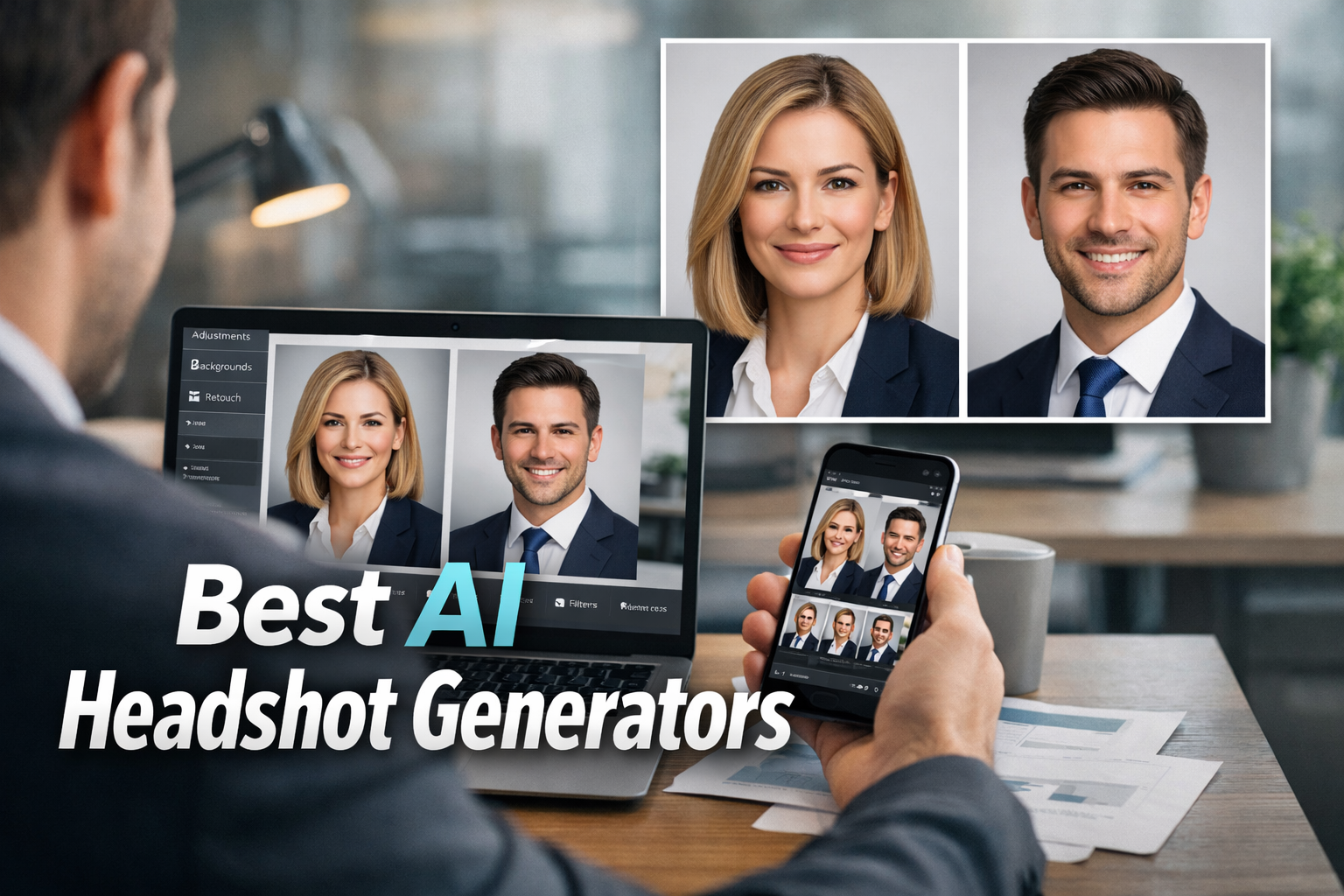
That’s where an AI headshot generator comes in. In theory, it fixes everything: better lighting, better framing, more “professional” presence. In reality, a lot of these tools still produce images that feel slightly off — like a polished version of someone who almost looks like you.
And for LinkedIn, “almost you” is not good enough.
This breakdown focuses on what actually works right now — not just the most popular tools, but the ones that produce believable, usable results for real profiles.
The Shortlist (No Overthinking)
- HeadshotPro — safest choice for LinkedIn
- Aragon AI — strongest realism
- BetterPic — more control and variety
- PhotoAI — better for personal branding
- Canva — easiest workflow
- Fotor — decent free AI headshot generator for testing
If you don’t want to experiment, start with HeadshotPro or Aragon AI. Those two handle professional use cases better than most.
Quick Comparison
| Tool | Where It Fits | What It Gets Right | Where It Struggles |
|---|---|---|---|
| HeadshotPro | LinkedIn profiles | Clean, business-ready look | Limited style variation |
| Aragon AI | Corporate realism | Facial accuracy | Expression inconsistency |
| BetterPic | Branding & variety | More visual control | Needs filtering |
| PhotoAI | Founder/creator profiles | More personality | Sometimes too stylized |
| Canva | Simple workflows | Ease of use | Lower realism |
| Fotor | Testing | Accessible | Inconsistent quality |
What Actually Matters in an AI Headshot Generator
Forget marketing screenshots. They don’t reflect real output.
When people complain about an AI headshot generator, it usually comes down to a few recurring issues:
- The face looks slightly different
- The skin looks too perfect
- The expression feels unnatural
- The whole image feels… manufactured
A usable result needs to pass one simple test: would someone assume this is a real photo without thinking twice?
If the answer is no, it doesn’t matter how sharp or “professional” it looks.
HeadshotPro — Clean, Safe, Predictable
HeadshotPro doesn’t try to be creative. That’s exactly why it works.
The output leans toward standard business photography — neutral backgrounds, controlled lighting, formal presentation. It fits LinkedIn expectations without pushing too far into stylized territory.
For most users searching for a LinkedIn AI headshot generator, this is enough.
One pattern I noticed: when people upload consistent, clean photos, results come out sharp and usable. When uploads are mixed (different hairstyles, lighting, angles), quality drops fast.
This tool doesn’t fix bad inputs. It amplifies good ones.
Aragon AI — Strongest on Realism
Aragon AI leans heavily into facial accuracy. Compared to lighter tools, it keeps structure closer to the original person.
That makes it one of the better options if realism is your priority — especially for people looking for a realistic AI headshot generator or AI professional headshot generator.
Still, even here, not every image lands perfectly. Sometimes the face is right, but the expression feels unfamiliar. It’s subtle, but noticeable.
Checking outputs carefully matters. The difference between “great” and “slightly strange” is often small.
BetterPic — More Control, More Variations
BetterPic feels different from the typical business-focused tools.
Instead of pushing one polished look, it gives multiple directions — different outfits, tones, and visual styles. That makes it useful beyond LinkedIn.
For anyone building a personal brand, this flexibility matters more than people expect. One strong headshot is useful. Five variations across platforms is better.
Trade-off: not every output works. Expect to discard several before finding the one that feels right.
That’s normal in the AI portrait generator space.
PhotoAI — Less Corporate, More Personality
PhotoAI sits somewhere between professional and creative.
It doesn’t lock you into strict corporate styling, which makes it a better fit for founders, freelancers, and creators.
Some results feel more natural and less staged. Others lean too far into stylized territory — slightly over-polished, slightly too smooth.
Good tool, but context matters. Works better for personal branding than formal corporate profiles.
Canva — Practical, Not Perfect
Canva is not trying to win on realism.
It wins on convenience.
If you’re already using it for resumes, graphics, or social content, staying in the same workflow is easier. You can generate, edit, crop, and export without switching platforms.
As an AI profile picture generator, it’s usable. As the best option available? Not really.
It’s the practical choice, not the best-quality one.
Fotor — Try Before You Pay
Fotor works well as a testing tool.
If you’re unsure whether you even like AI-generated portraits, starting here makes sense. It’s accessible and quick.
As a best free AI headshot generator, it does the job — but results are inconsistent. Some outputs look fine, others fall into that familiar “almost right” category.
Useful for testing. Less reliable for final use.
Why Most AI Headshots Fail (It’s Not the Tool)
Bad inputs create bad outputs.
This shows up constantly. People upload random selfies, mixed lighting, different hairstyles, old images — then expect perfect results.
It doesn’t work like that.
Better inputs:
- Clear lighting
- Front-facing angles
- Consistent hairstyle
- Neutral expressions
Bad inputs usually lead to:
- “What happened to my ears?”
- Unnatural skin texture
- Mismatch in facial structure
- Mystery-face results
The tool matters. The photos matter more.
Are AI Headshots Good Enough for LinkedIn?
Yes — if they look normal.
That’s the standard.
A clean AI-generated photo can easily outperform a weak selfie. But once it starts looking too perfect — overly smooth skin, unnatural lighting, “startup keynote speaker with impossible skin” — credibility drops.
The goal is not perfection. It’s believability.
Best Pick Based on Use Case
- LinkedIn: HeadshotPro
- Realism: Aragon AI
- Branding: BetterPic / PhotoAI
- Convenience: Canva
- Testing: Fotor
For most people, it comes down to two: HeadshotPro vs Aragon AI.
Clean vs realistic.
That’s the real decision.
If you’re building your full online presence, these internal guides on AI art tools and AI logo generators can help complete the visual side.
FAQ
What is the best AI headshot generator right now?
HeadshotPro and Aragon AI are the most reliable options for professional use.
Is there a free AI headshot generator?
Yes. Fotor is one of the easier free tools, but results are less consistent.
Do AI headshots look realistic?
Some do. The best ones look natural at first glance. Others still show typical AI artifacts.
Can I use AI headshots for business profiles?
Yes, especially for freelancers and remote professionals. High-trust industries may still benefit from real photography.
Final Verdict
Most people don’t need dozens of options.
They need one photo that looks real, current, and professional.
That’s it.
A good AI headshot generator can deliver that. A bad one gives you a polished version of someone who almost looks like you — and that’s where things fall apart.
If you want the safest route, go with HeadshotPro.
If realism matters more, choose Aragon AI.
Everything else depends on how much control and variation you need.
Just avoid the one where you end up looking like a wax statue with startup lighting.